
Available
Stage Timer
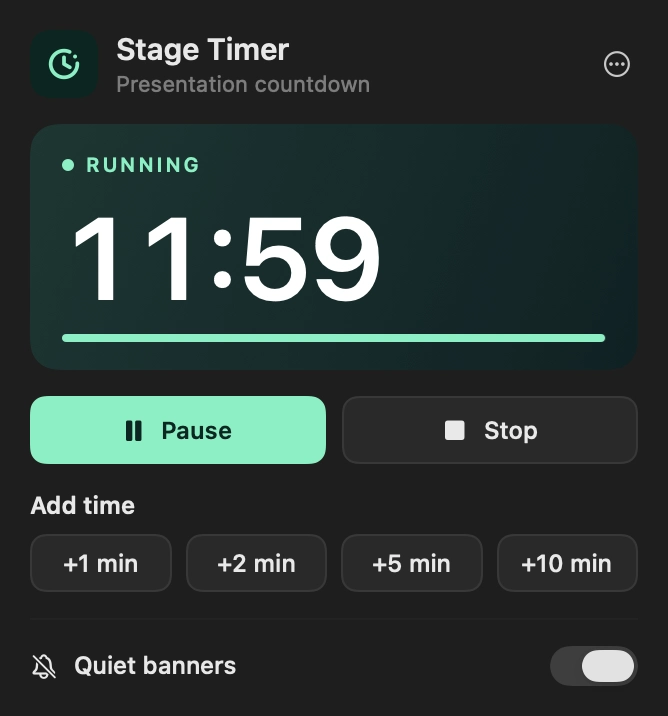
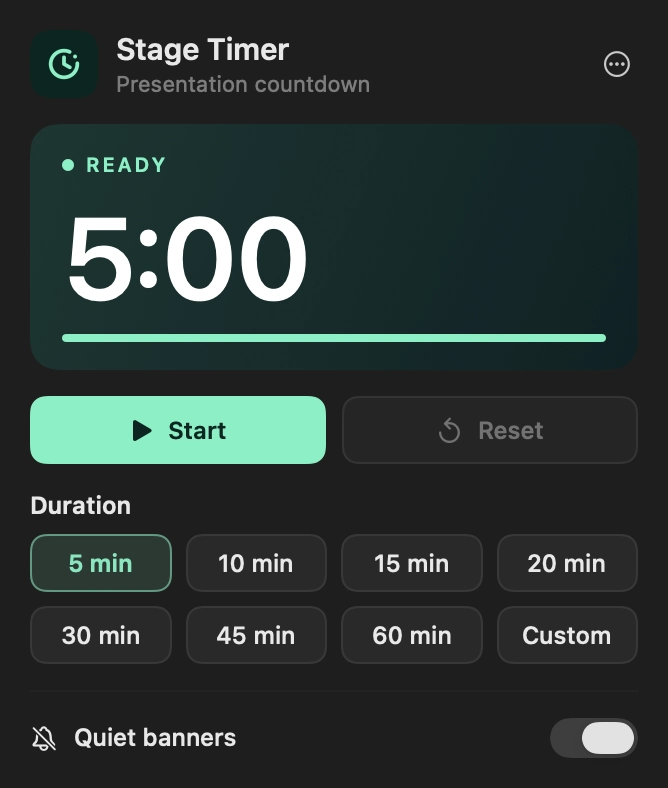
Run a presentation countdown from your Mac menu bar with quiet time cues.
Stage Timer on Mac
macOS menu bar
Install Stage Timer
Version 0.2.1 works on Apple silicon and Intel Macs running macOS 14 Sonoma or later.
- Open the downloaded ZIP file.
- Move Stage Timer to your Applications folder and open it.
- Click the Stage Timer icon in your menu bar, choose a duration and press Start.
Get in touch
Have a question about Stage Timer? Contact Eternal Academy.